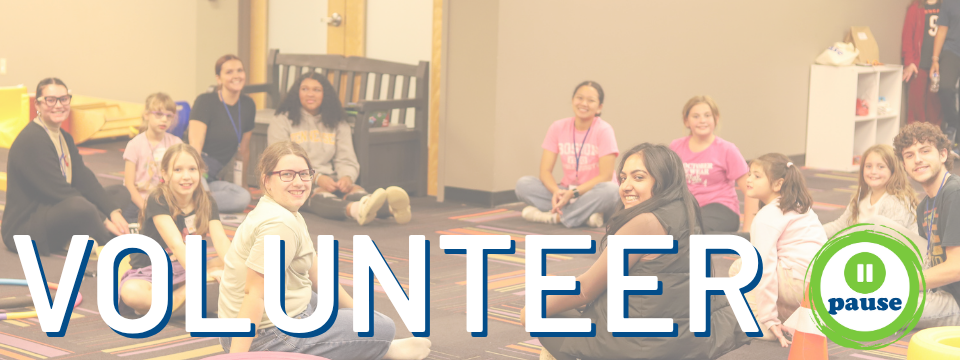

We're so glad you're here!
How to create a volunteer account:
Create an account by selecting "sign up"
On the final step (Step 4 of 4), you'll need to complete the following:
- Health & Safety Waivers: This is what you (& your guardian, if you're a minor!) will sign our forms. A copy to fill out will be emailed to your guardian.
- Character References: Fill out the Google Form that is linked in this step with your references info and hit submit!
- Background Check (18+): If you're 18 or older, use the provided link to complete the background check consent form - we cover the cost!Once you submit the above, you will be notified when you're approved to start signing up for volunteer opportunities! (Please note - It may take a few days depending on how fast we hear back from your references!)
Want to make volunteering even easier? Download the Causer app here!
How to stay in the loop & receive reminder and upcoming event texts:
Click your user icon.
Go to Edit Profile.
Check the box to receive texts under your phone number.
Scroll down and click Update Basic Information.